.png)
5 video editing workflows to help organize your footage
Messy footage slows everything down. Here are 5 simple workflows to stay organized, edit faster, and keep your projects clean.
Why organization matters more than you think
Most editing problems don’t come from creativity. They come from disorganization.
When your footage is messy, you waste time searching, second-guessing, and restarting. A clean workflow keeps you focused, faster, and more consistent across every project.
The goal isn’t perfection. It’s clarity and control.
Workflow 1: Build a clean folder structure
EBefore you even open your editing software, your project should be organized.
Create folders for footage, audio, graphics, and exports. Inside your footage folder, separate clips by camera, scene, or shoot day.
This alone can cut your editing time significantly.
• Footage (Camera A, B, etc.)
• Audio (lav, boom, music)
• Assets (logos, graphics, LUTs)
• Exports (final versions)

When everything is labeled and easy to find, your editing process becomes smoother and less stressful.
Good organization removes friction and lets you focus on the creative side of editing.
Workflow 2: Label and color-code your timeline
Inside your editing software, organization matters just as much.
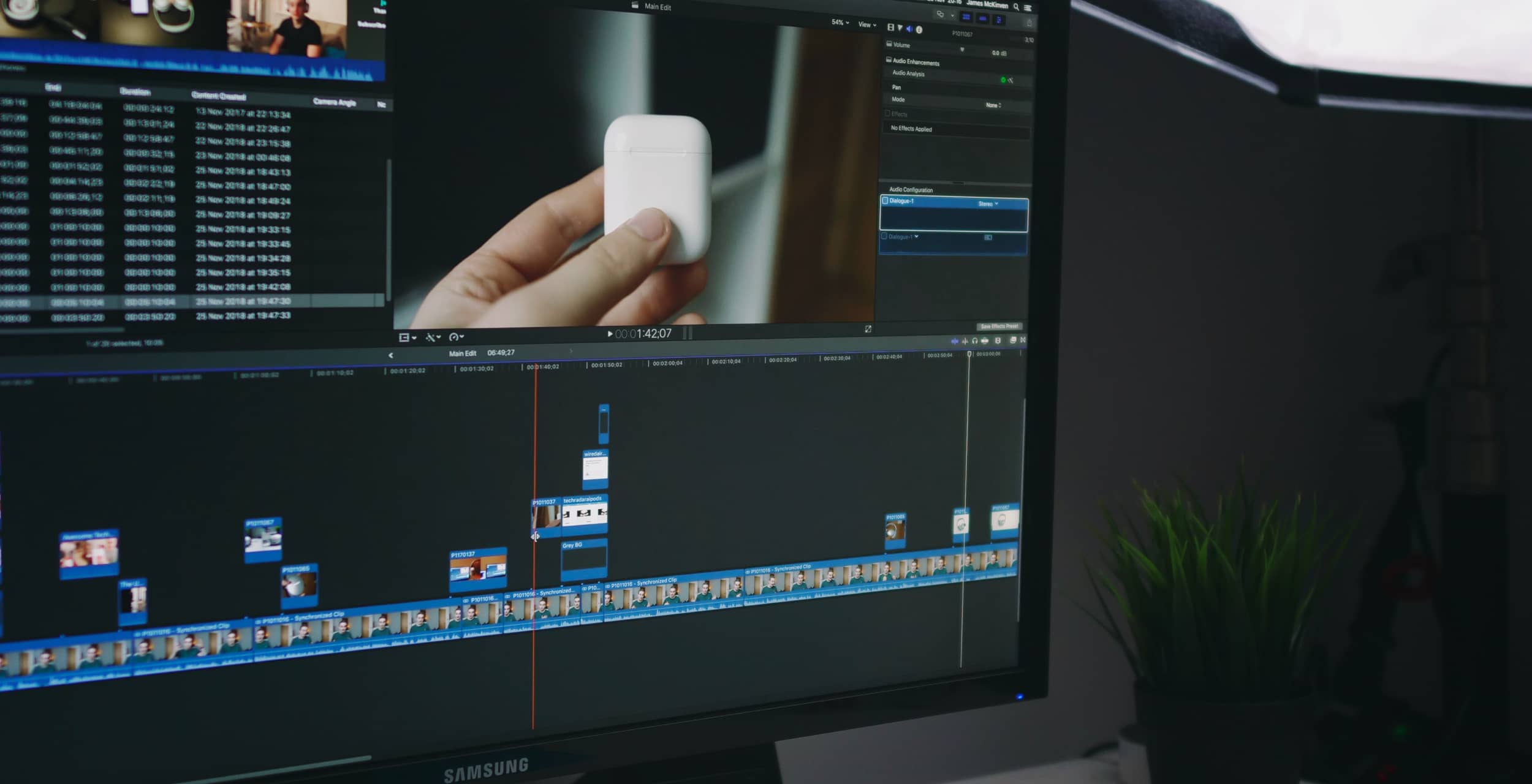
Use color labels for different types of clips like interviews, B-roll, music, and effects. Name your sequences clearly so you’re never guessing what version you’re working on.
A clean timeline makes editing faster and revisions easier.
“Fast editors aren’t faster because they work harder. They’re faster because they stay organized.”
When your timeline is structured, you spend less time searching and more time refining your edit.
Small habits like labeling and grouping clips make a big difference over time.
Workflow 3: Build selects before you start editing
Instead of jumping straight into editing, create a “selects” sequence first.
Go through your footage and pull your best clips into one timeline. This gives you a clear starting point and helps you avoid constantly scrubbing through everything.
It’s one of the simplest ways to speed up your workflow.
- Use the same folder structure every time
- Name files and sequences clearly
- Keep timelines clean and labeled
- Save templates for repeat work
- Avoid clutter and unnecessary files
Workflow 4: Use templates and presets
Don’t rebuild everything from scratch every time.
Create templates for your projects including intro sequences, color settings, and export presets. This keeps your work consistent and saves a huge amount of time.
Over time, this becomes one of your biggest advantages.
Workflow 5: Keep your workflow consistent
The best editors don’t just organize one project. They organize every project the same way.
Consistency is what allows you to move faster, reduce mistakes, and handle larger projects with confidence.
Find a system that works and stick to it.
Conclusion
A strong workflow doesn’t just make you faster, it makes you better.
When your projects are organized, you can focus fully on creativity, storytelling, and delivering high-quality work without the stress.
The more consistent your system, the more professional your results will feel.
)%20(3).png)
Stay up to dateFollow our work
Insights, tips, and behind-the-scenes looks at video production, content creation, and building a strong brand.